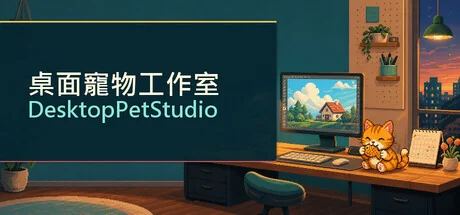
桌面寵物工作室 - DesktopPetStudio
Rowan.l
Desktop Pet Studio is a Windows desktop pet creator. Upload PNG frames or GIFs, set animations and speech bubbles, then add alarms, calendars, tasks, and Do Not Disturb. Care for your pet, share creations on Steam Workshop, or trigger reactions with Twitch Bits.
Requisitos do Sistema
Requisitos Mínimos
Requisitos Recomendados
Sobre este jogo
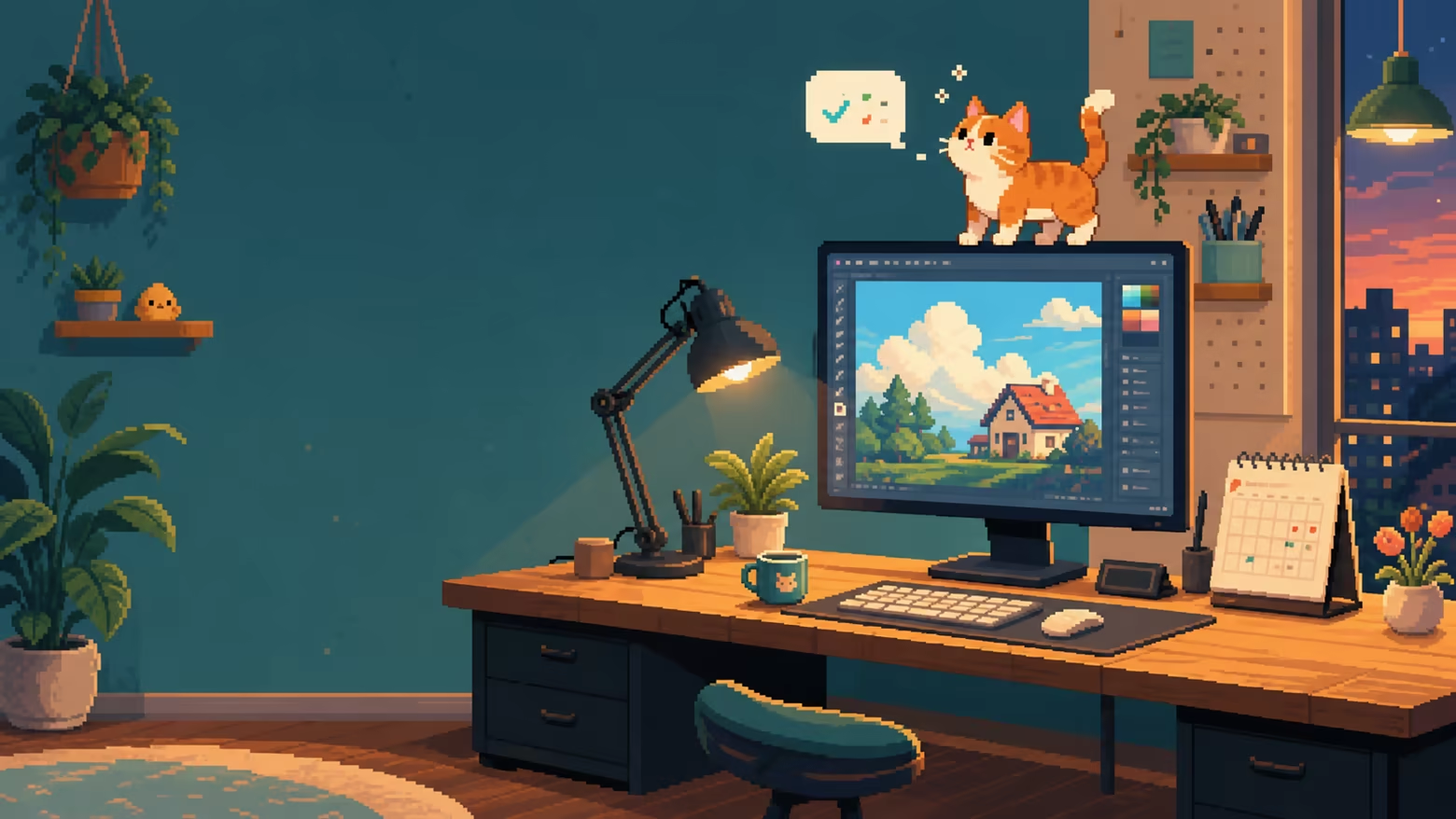
Bring Your Favorite Character to Your Desktop
Desktop Pet Studio is a Windows desktop pet creation tool.
Upload your own animation frames or GIFs, set poses, speech bubbles, sounds, and interaction rules, and let your character accompany your work, games, and daily routine.
It is more than a default pixel cat. Create an original character, use a commissioned design, make a rabbit or robot, or build with any character assets that you have the right to use. Create a desktop companion that is truly yours.
Customize Characters and Animated Poses
Supports multi-frame PNG, GIF, PPM, and PGM animation assets.
Set left-click drag, walking, resting, falling, top-edge, side-cling, and fixed focus poses.
Each pose can have its own playback speed, pet size, speech bubbles, sound, enabled state, and hotkey.
Your pet moves in both directions while walking. Right-facing assets are automatically mirrored when moving left.
Pets can cling to screen edges. Drop one from the air and it will fall naturally, then land with a soft diminishing bounce.
Fixed Focus Mode keeps the pet at your chosen position and can optionally show key reaction speed.
Reminders, Tasks, and Do Not Disturb
Create alarms, calendar reminders, countdowns, and task list reminders.
Each reminder can use a pose, speech bubble, WAV sound, fullscreen effect, and enabled state.
Tasks can have start and due times. Unfinished tasks continue to remind you even after their due date.
Import ICS, ICAL, and CSV calendar files, or choose to sync Google Calendar.
Do Not Disturb can automatically hide your pet during selected hours or while selected foreground apps are active.
Search, select, and batch-edit reminders from one list.
Care for Your Desktop Pet
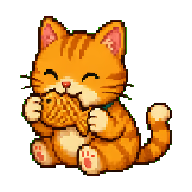
Manage hunger, affinity, mood, and coins.
Send your pet to work and earn in-game coins when the job is complete.
Buy food, gifts, and mood items from the shop, then use them from your inventory.
Your pet expresses different speech bubbles based on hunger, affinity, and mood.
All currency and purchases exist only inside the game. There are no real-money transactions.
Twitch Bits Mode for Streamers
Turn your viewers' Bits support into character reactions right on your desktop.
Supports Twitch Bits event triggers.
Set a Bits range and playback duration for every pose.
Speech bubbles can include a viewer name, message, and Bits amount.
After a trigger ends, the pet automatically returns to its previous action.
Includes a local test feature that does not send a real donation or save test events.
Twitch authorization is stored only on the player's own Windows computer. It is never included in pet saves or Workshop content.
Create, Share, and Explore Steam Workshop
Built-in AI Asset Guide provides Chinese and English prompt templates to help create six separate transparent-background animation frames.
Package and share full desktop pets, individual poses, and care gameplay content.
Creators can use JSON to customize animations, movement, bubbles, sounds, shop items, jobs, events, and mood rules.
Subscribe to, enable, disable, or import Steam Workshop content.
Steam Cloud can sync player settings, used assets, and unpublished material libraries to other Windows PCs using the same Steam account.
A Companion That Fits Your Rhythm
Desktop Pet Studio supports Traditional Chinese, Simplified Chinese, English, Japanese, French, German, Spanish, Russian, Portuguese, and Korean.
Whether you want a quiet character in the corner, a companion that remembers your schedule, or a desktop character that reacts to your livestream, you can start creating with your own assets.
Compartilhe Sua Experiência de Jogo
Help other gamers! Share how this game runs on your setup, share tips, or ask questions.
Jogos mais bem avaliados
Discover similar games you might enjoy based on genre and creator.



Aviso Legal
As informações, imagens, descrições e requisitos de sistema do jogo exibidos nesta página são originários de plataformas de terceiros e não são propriedade do Can I Run It. Não somos afiliados, endossados ou conectados aos desenvolvedores, editores ou distribuidores do jogo.
Can I Run It é um serviço de verificação de compatibilidade de sistema que ajuda os usuários a determinar se seu hardware pode executar jogos específicos. Nós não vendemos, distribuímos ou hospedamos qualquer conteúdo de jogos.
Todas as marcas comerciais, marcas registradas, nomes de produtos e nomes ou logotipos de empresas mencionados aqui são propriedade de seus respectivos proprietários.
Se você acredita que algum conteúdo exibido viola seus direitos de propriedade intelectual, entre em contato conosco em [email protected] com detalhes relevantes e trataremos prontamente de suas preocupações.